Start with AI assistance
Ask Cirkit for help wiring parts, generating code, and debugging your Arduino project as you build.

Online Arduino Simulator
Use Cirkit AI to help with wiring and code, then test the circuit in simulation before you build it.
Start from a board
Pick a board, add parts, and simulate the circuit as you build.
Arduino project gallery
Open real Arduino projects, inspect the wiring, run the simulation, and adapt them for your own build.
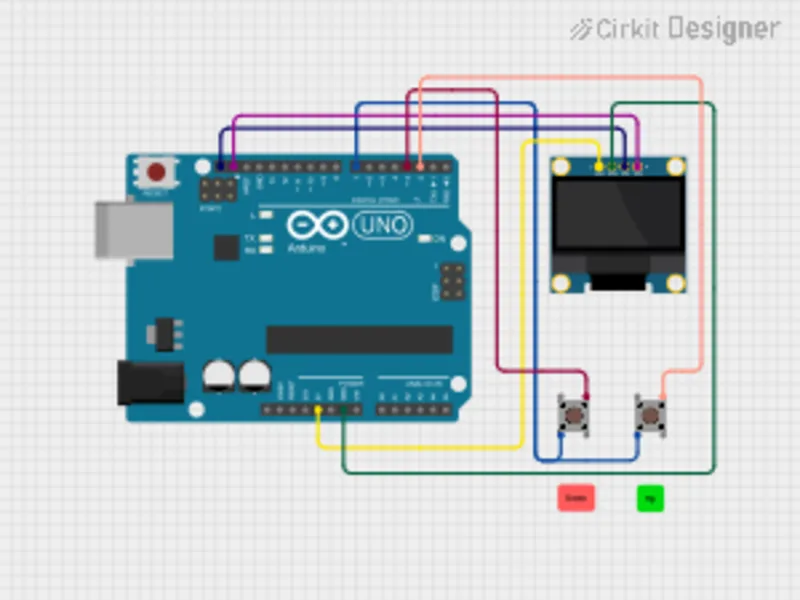
Run game logic on an Arduino Uno with OLED output and pushbutton paddle controls.
Open project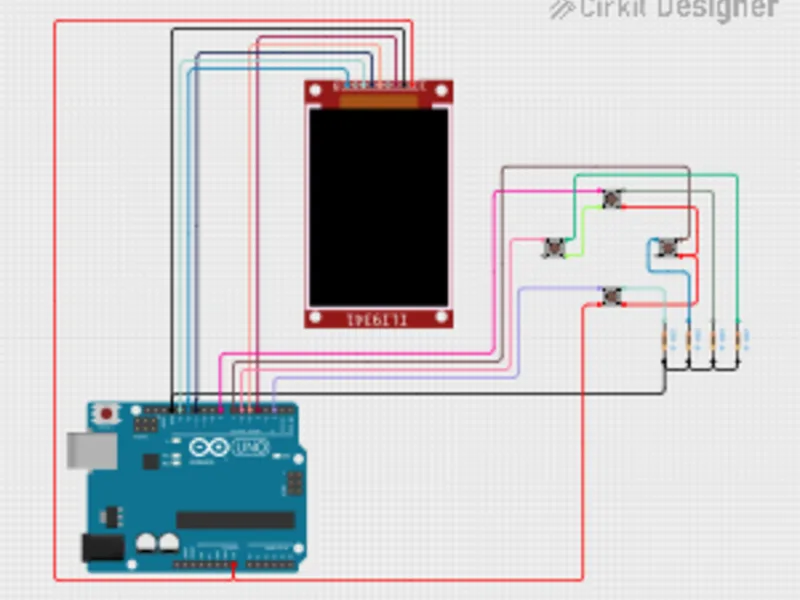
Test an Arduino graphics project with a TFT display and multiple pushbutton inputs.
Open project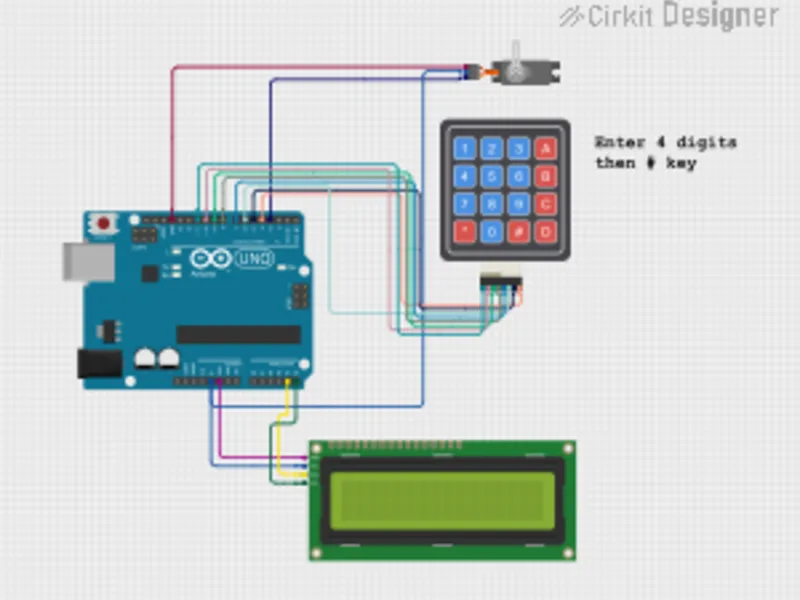
Combine keypad input, LCD messages, and servo movement into a simulated lock project.
Open project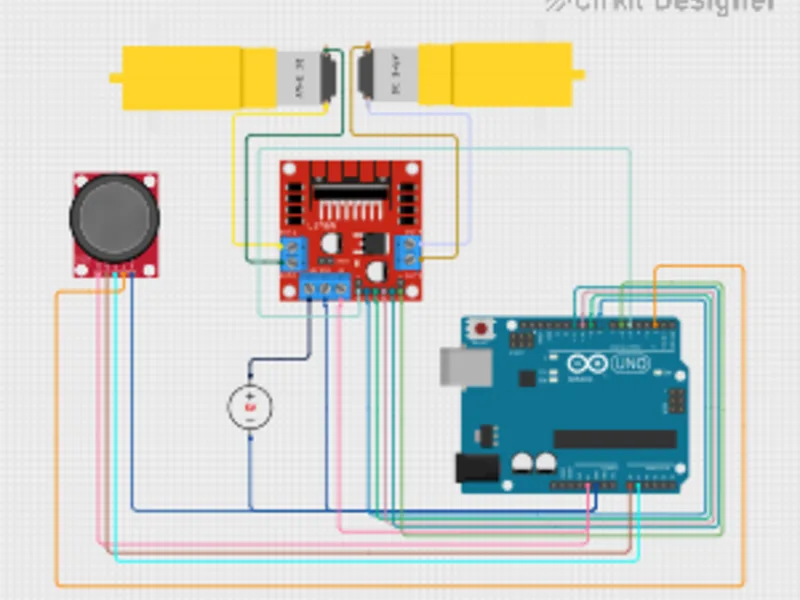
Control two DC motors through an L298N driver using joystick input and Arduino logic.
Open project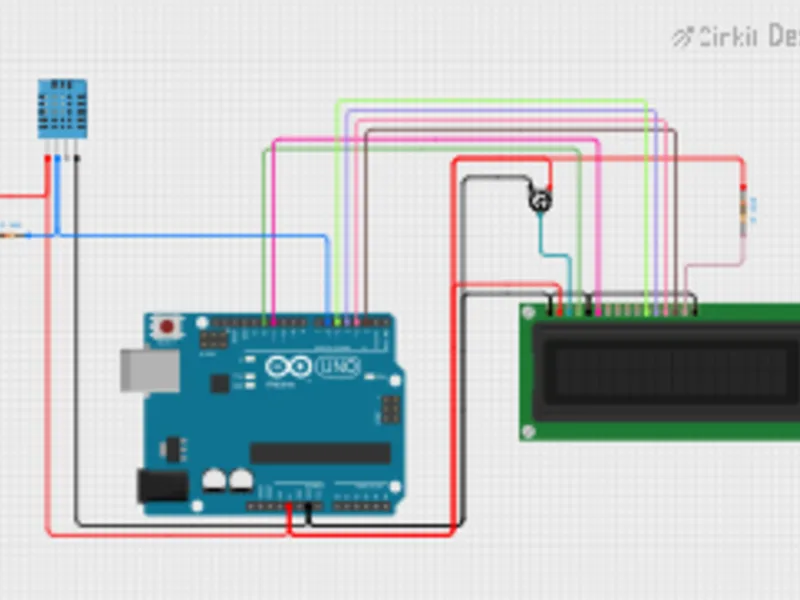
Read temperature and humidity from a DHT11 sensor and display live values on a 16x2 LCD.
Open project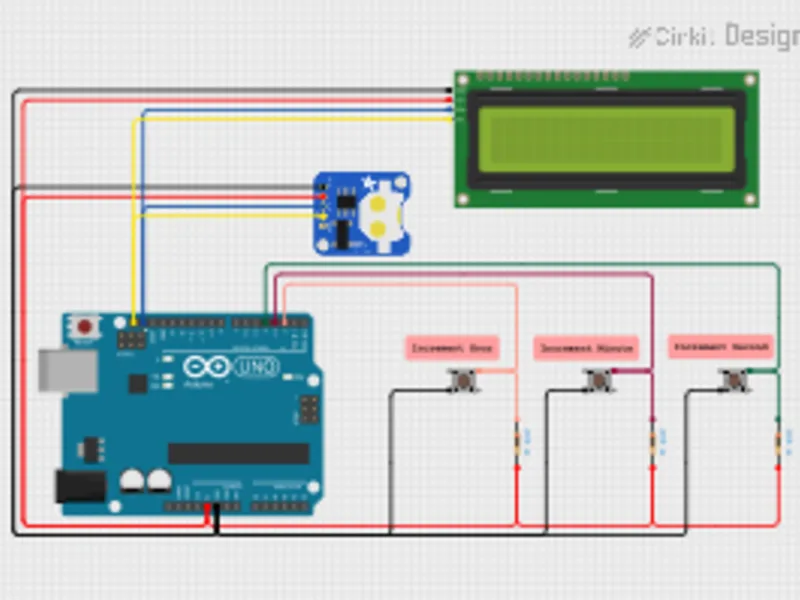
Use a real-time clock module with an Arduino Uno and print date/time to an LCD.
Open projectWhy Cirkit
Use Cirkit AI to help wire your Arduino project, generate code, and troubleshoot as you build. Then run the simulation in the browser and export diagrams, share the project, or upload firmware when you are ready to build.
Ask Cirkit for help wiring parts, generating code, and debugging your Arduino project as you build.
Run the sketch while sensors, displays, motors, buttons, and LEDs respond in the same workspace.
Download the wiring diagram, share the project, or upload firmware to supported hardware when you are ready to build.
FAQ
Build Arduino circuits, write sketches, and run simulations directly in the browser.
Cirkit Designer is free to start. A Cirkit membership unlocks advanced features.
Cirkit Designer currently supports Arduino Uno and Arduino Mega projects, along with common sensors, displays, motors, buttons, and connected modules.
Cirkit AI can help with wiring, code generation, circuit questions, and troubleshooting issues as you design and simulate.
Yes. Use the simulated project as a build reference, then export the wiring diagram, share the project, or upload firmware to supported hardware when you are ready.
Free to start · No installation
Open a project, add an Arduino, and simulate the first version before the parts arrive.