
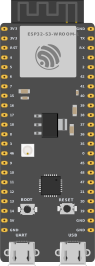
The emulator runs locally in the browser, next to the circuit editor.
Online ESP32 Simulator
Design and simulate ESP32 projects in your browser.
Use Cirkit AI to help with wiring and code, then simulate ESP32-S3 firmware, connected components, and Wi-Fi workflows before you build.
ESP32 board
Start with ESP32-S3.
Write Arduino sketches, connect sensors and displays, and simulate ESP32-S3 behavior in the browser.
ESP32 project gallery
Explore real ESP32 projects.
Open real ESP32-S3 projects, inspect the wiring, run the simulation, and adapt them for your own build.
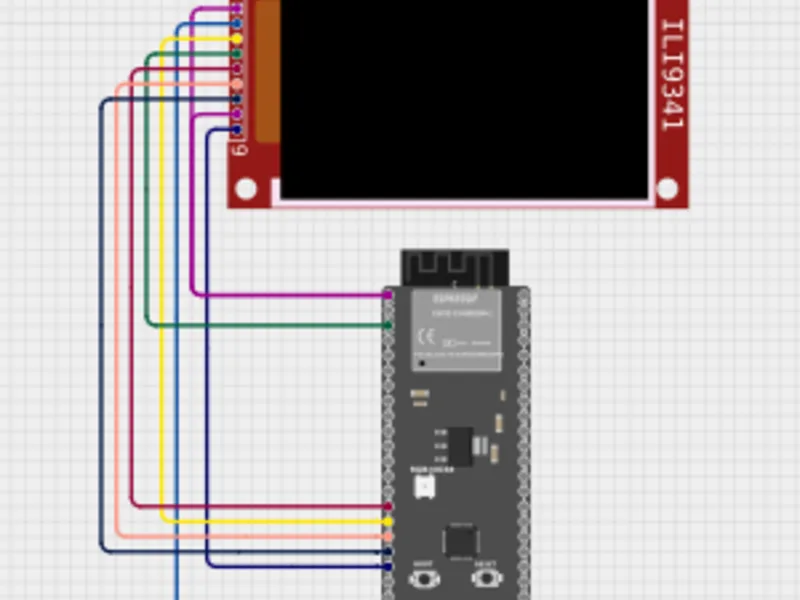
Wi-Fi crypto price tracker
Simulate an ESP32-S3 Wi-Fi project that fetches price data and renders it on an ILI9341 display.
Open project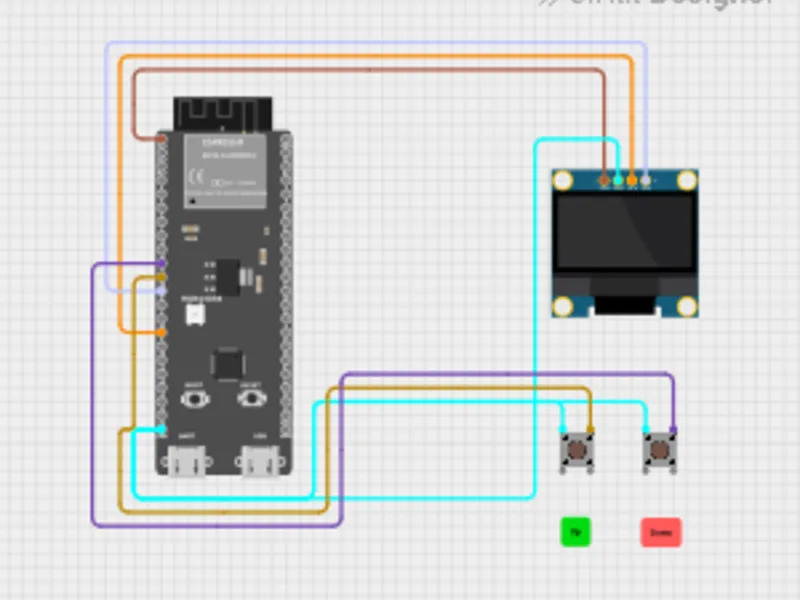
Pong game with OLED
Run game logic on ESP32-S3 with OLED output and pushbutton paddle controls.
Open project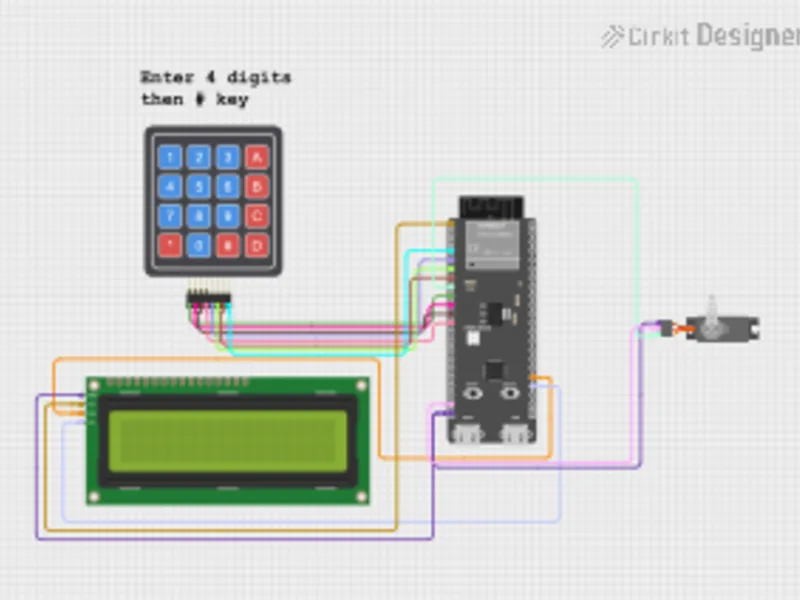
Hotel safe
Use a keypad, LCD, and servo to simulate a lock project with ESP32-S3 control.
Open project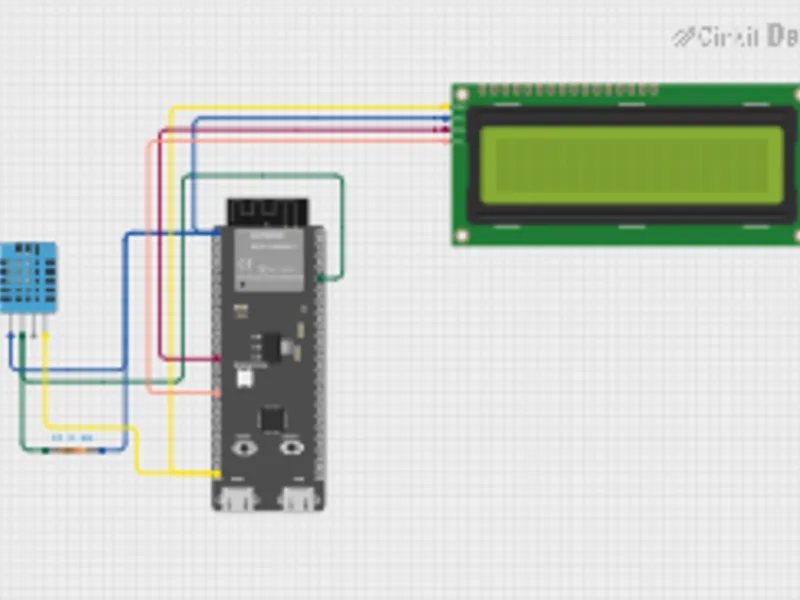
DHT11 temperature sensor
Read temperature and humidity from a DHT11 sensor in an ESP32-S3 simulation.
Open project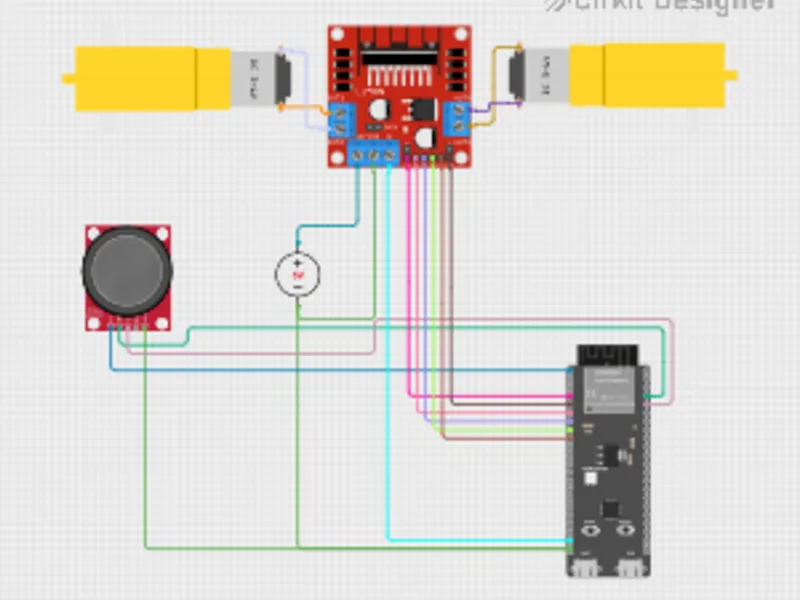
Bot with L298N driver
Control two DC motors through an L298N driver from an ESP32-S3 project.
Open project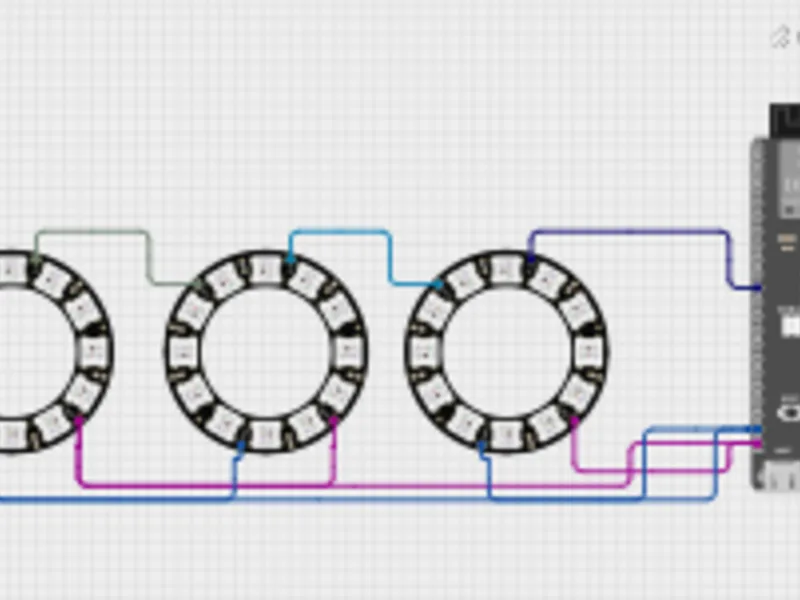
Chained NeoPixel rings
Animate WS2812-style LEDs and test timing-sensitive output before wiring the rings.
Open projectUnder the hood
Runs real ESP32-S3 firmware in your browser.
Cirkit's ESP32-S3 simulator is an instruction-accurate emulator written in Rust and compiled to WebAssembly. Arduino sketches compile to firmware, then run locally in the browser against the circuit you build on the canvas.
That keeps ESP32 projects interactive without backend simulation sessions, streamed device state, or hardware setup.
Read how we built the ESP32-S3 simulatorCompiled sketches run as firmware instead of mocked ESP32-like behavior.
Use HTTP, HTTPS, MQTT, WebSocket, and UDP project flows.
Why Cirkit
Design with AI. Test in simulation. Build when ready.
Use Cirkit AI to help wire your ESP32 project, generate code, and troubleshoot as you build. Then run ESP32-S3 simulations in the browser and export diagrams, share the project, or upload firmware when you are ready to build.
Start with AI assistance
Ask Cirkit for help wiring parts, generating code, and debugging your ESP32 project as you build.
Simulate connected projects
Run ESP32-S3 code while sensors, displays, motors, buttons, LEDs, and Wi-Fi workflows respond in the same workspace.
Export and build
Download the wiring diagram, share the project, or upload firmware to supported hardware when you are ready to build.
FAQ
Common questions.
What can I do with Cirkit's ESP32 simulator?
Build ESP32 projects in the browser with Cirkit Designer. Cirkit supports ESP32-S3 simulation with Arduino sketches, connected components, and Wi-Fi workflows.
Is Cirkit Designer free to start?
Cirkit Designer is free to start. A Cirkit membership unlocks advanced features.
Which ESP32 boards does Cirkit Designer support?
Cirkit supports ESP32-S3 simulation today. Start with ESP32-S3, then add sensors, displays, buttons, motors, and other connected modules. We are working to expand support for more ESP32 variants.
Can I simulate ESP32 Wi-Fi projects online?
Cirkit's ESP32-S3 simulator supports Wi-Fi workflows such as HTTP, MQTT, and connected IoT-style projects in the browser.
Can Cirkit AI help with ESP32 projects?
Cirkit AI can help with wiring, code generation, circuit questions, and troubleshooting issues as you design and simulate.
Can I build the real circuit after simulation?
Use the simulated project as a build reference, then export the wiring diagram, share the project, or upload firmware to supported hardware when you are ready.
Free to start · No installation
Start simulating ESP32 projects in Cirkit Designer.
Open a project, add ESP32-S3, and simulate the first version before the parts arrive.